Play it
Try the machine
This is the actual Pygame game, not a remake. It's compiled to WebAssembly and runs entirely in your browser. The first launch downloads a Python runtime, so give it a few seconds, then click once to start.
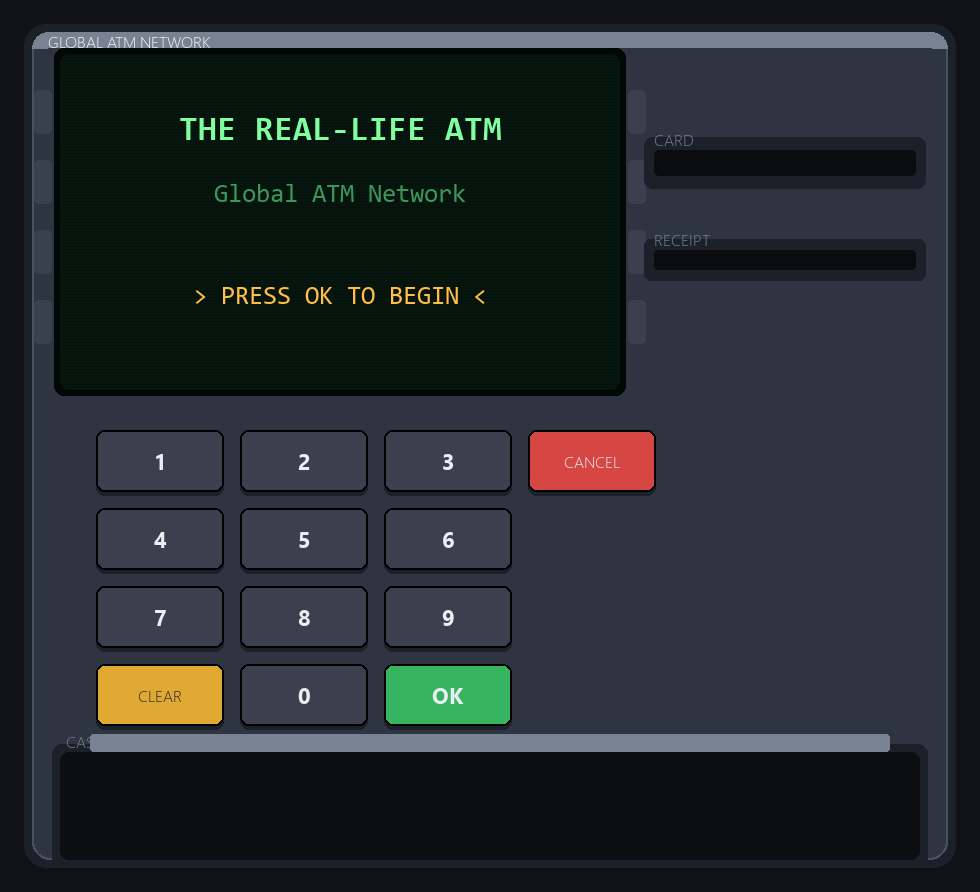
Click the keypad or use your keyboard: number keys, Enter = OK, Backspace = CLEAR, Esc = CANCEL. Balances live in the page's memory and reset when you reload.
| Bank | Type digits | PIN | Name | Balance |
|---|---|---|---|---|
| CIBC | 001 | 1234 | John Smith | $1,000 |
| CIBC | 002 | 2345 | Sarah Johnson | $2,500 |
| RBC | 001 | 4567 | David Wilson | $1,500 |
| BMO | 001 | 7890 | Robert Taylor | $2,000 |
Demo accounts only. Get the PIN wrong three times and the machine keeps your card, just like a real one.
The idea
The bank is the backend; the machine is just the interface
I started with a plain terminal ATM to learn classes and methods: state and behaviour. The design question that made it worth writing up came later. Can the same banking code drive a completely different front end without changing?
It can. The logic sits behind one small service layer that never prints and never asks for input. The terminal program and the arcade game both call the same methods, so neither one knows how accounts or balances actually work.
  atm.py       (terminal) ─┐
                           ├─▶  atm_service.py  ──▶  Bank ─▶ Account ─▶ Customer
  atm_game.py  (Pygame)   ─┘     clean API, no I/O       OOP logic + flat-file storage
My part
The backend
Three classes, each owning one idea:
Customer: identity and the PIN check.Account: the balance, deposit and withdraw, and writing every transaction to the bank's log with a timestamp, amount and new balance. Invalid amounts and overdrafts raise anATMErrorrather than printing, so each interface decides how to show the reason.Bank: loads its customers from a flat file and writes changed balances back.
Storage is deliberately simple: one pipe-delimited file per bank (ID|Name|PIN|Account|Balance) and one transaction log per bank. Three banks (CIBC, RBC and Bank of Montreal) share one ATM network, each with its own customers and log.
Claude Code's part
The frontend
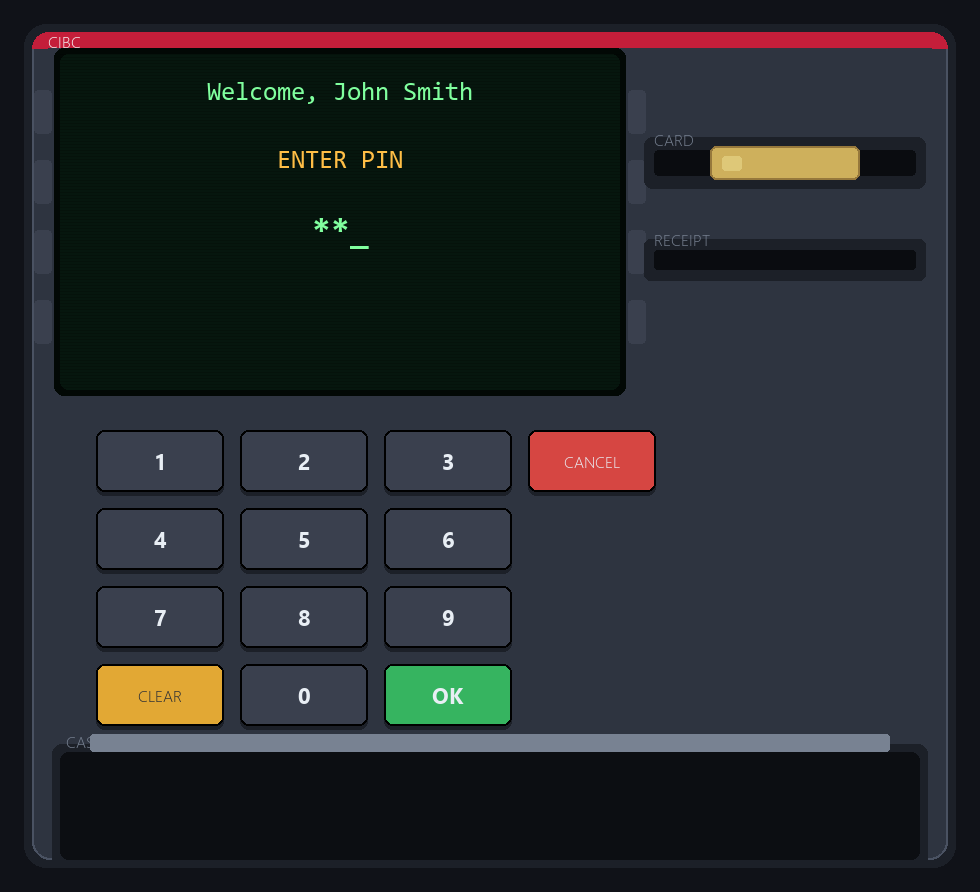
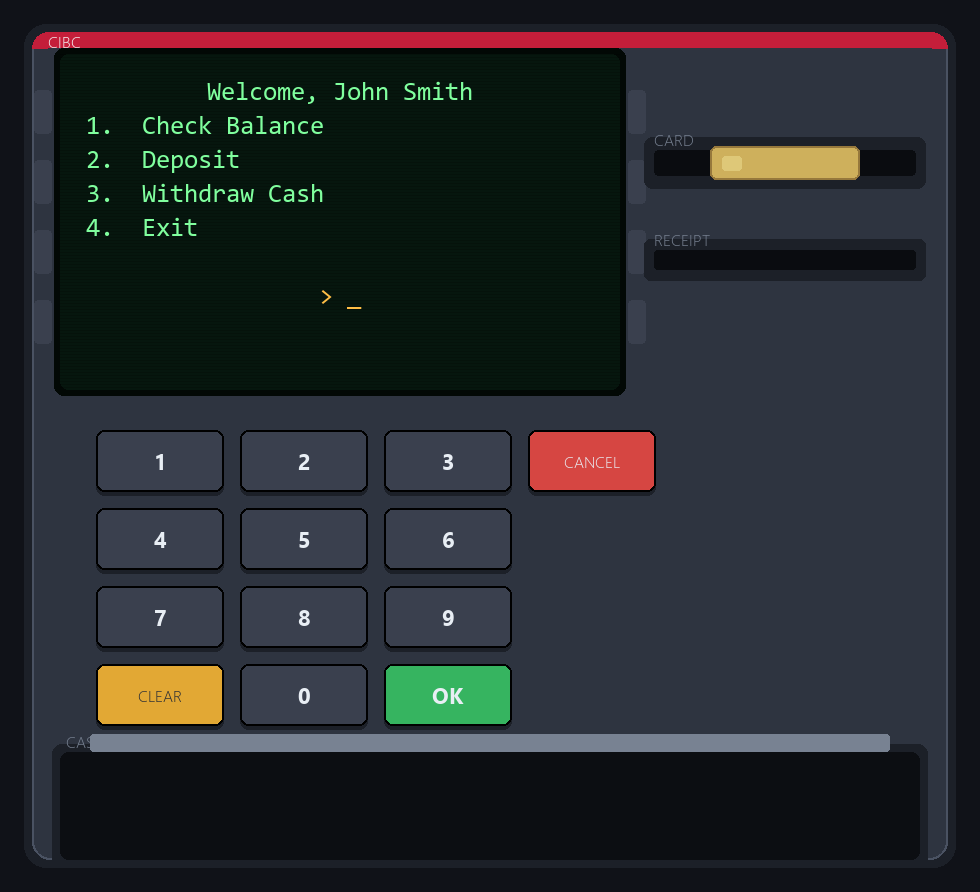
Claude Code built the machine around that backend: atm_game.py, a drawn ATM kiosk with a card slot, a numeric keypad, a phosphor-green CRT screen, an animated cash dispenser and a receipt printer. It also generates its sound effects in code, with no audio files.
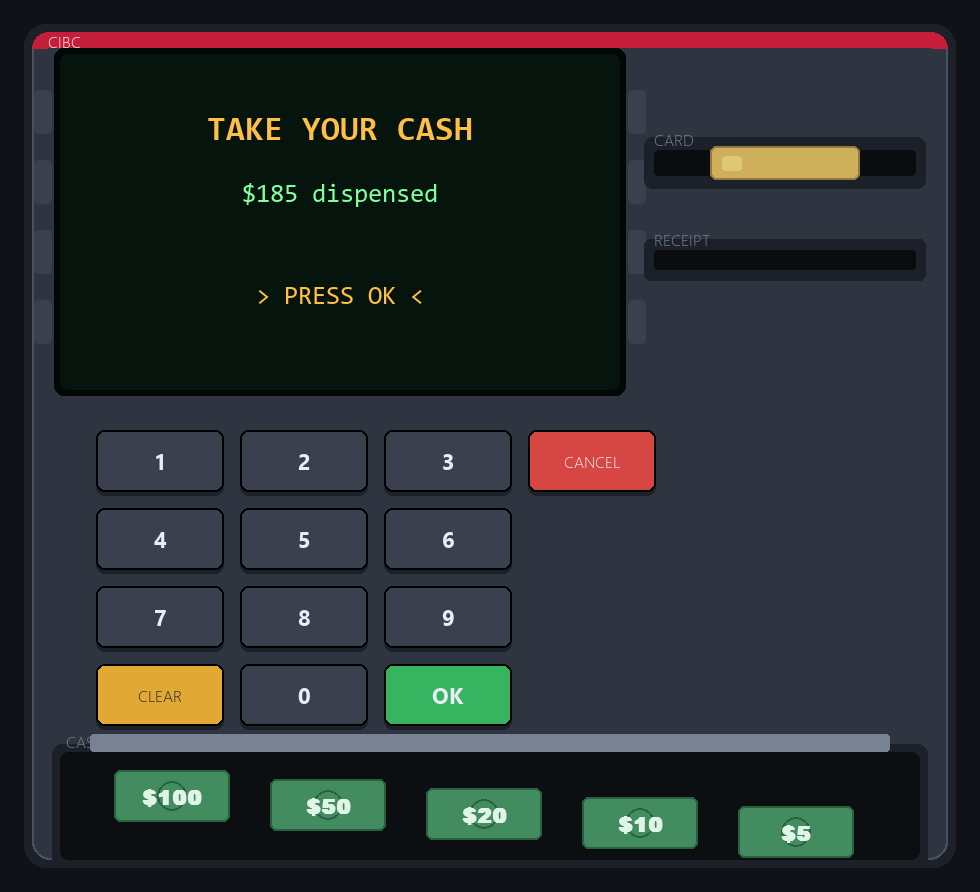
Withdrawals are enforced in multiples of $5 and broken into real bills ($100, $50, $20, $10, $5), which drop into the tray one by one:
Getting there meant a small refactor of my code, which is worth being specific about:
- It extracted
atm_service.py, the clean seam both interfaces now sit on. - It added balance persistence. My original never wrote balances back, so every run started from the same amounts.
Bank.update_balancenow rewrites only the matching account's field, through a temp file, so a crash can't leave half a file. - It fixed my transaction log. I'd used
( )instead of{ }inside an f-string, so the log recorded the literal text instead of the amounts.
What I took from it
Splitting the work this way (I own the domain model, the AI builds the interface against it) only worked because the backend had a clean boundary. Once nothing in the logic printed or read input, a whole new front end could be built on it without touching how money moves.
Into the browser
Pygame on a web page
The game above is compiled with pygbag, which packages a Pygame project for CPython running in WebAssembly. The browser needs control back every frame, so the only new code is a small main.py that drives the game's own handle, update and draw from an async loop. The game file itself is unchanged.
Gotcha
A pygbag build produces an .apk and a .tar.gz. The first test shipped only the .apk: the Python runtime loaded, then stopped on a 404 for the archive. Ship both.
Honest notes
What it isn't
It's a learning project. PINs are stored in plain text in the demo data files. That's fine for a simulation, and not how a real ATM stores credentials. Hashing them and wrapping atm_service in a small web API are the obvious next steps.
The source is on GitHub: Python_for_IT_Automation / Bank_ATM / The_Real_Life_ATM.